AI Communications








Cut through the noise with an objective comparison of the top 8×8 alternatives so you can make a confident decision for your organization.
Most enterprise teams spend months evaluating 8×8 alternatives, and most of that time is spent on the wrong criteria. They compare per-user pricing, count integrations, and benchmark uptime service level agreements (SLAs), then discover the real friction only after signing a contract. The harder question isn’t “which platform has more features?” It’s “Which platform fits how your organization actually operates across sites, systems, and scale?”
We’ll dig into five enterprise-grade alternatives, the criteria that matter most at scale, and what to realistically expect from a migration.
Key takeaways
- 8×8’s pricing opacity and limited native AI are among the most commonly cited reasons for switching
- RingCentral, Microsoft Teams Phone, Zoom Phone, Cisco Webex Calling, and Vonage cover the broadest enterprise feature sets
- Total cost of ownership extends well beyond licensing: implementation, onboarding, and integration depth matter most at scale
- Unified platforms reduce vendor sprawl and provide clearer visibility into communication performance across sites
Why enterprise organizations move away from 8×8
Enterprise organizations often depart from 8×8 due to issues such as unclear pricing, a fragmented product architecture, and limited native AI capabilities, concerns consistently noted in user reviews. Let’s elaborate:
- Pricing opacity: 8×8 doesn’t publish enterprise pricing publicly. Tiers require a sales call, and multiple Trustpilot reviews cite unexpected charges and billing disputes. Early termination fees compound the problem for organizations that discover the fit isn’t right mid-contract.
- Feature fragmentation: You may find some of 8×8’s features require separate contracting and separate management, adding IT overhead that unified platforms eliminate.
- Support experience at scale: User reviews document delays in resolving account and billing issues, and difficulty reaching senior support engineers during critical outages, a pattern that appears across multiple enterprise-tier accounts.
Top 5 8×8 alternatives for enterprise organizations
These five platforms were selected based on enterprise feature completeness, deployment scale, integration depth, and documented enterprise reference.
| Platform | Primary use case | How it differs from 8×8 |
|---|---|---|
| RingCentral RingEx | Unified UCaaS + CCaaS, embedded AI | Broad feature depth and mature telephony |
| Microsoft Teams Phone | Voice extension for M365 environments | Licensing efficiency and native Microsoft workflow |
| Zoom Phone | Cloud calling for Zoom-standardized orgs | Easy UX and smooth video-phone workflow |
| Cisco Webex Calling | Enterprise calling with compliance depth | Strong governance and enterprise controls |
| Vonage Business Communications | API-first, developer-led workflows | Flexibility and communications programmability |
1. RingCentral RingEX
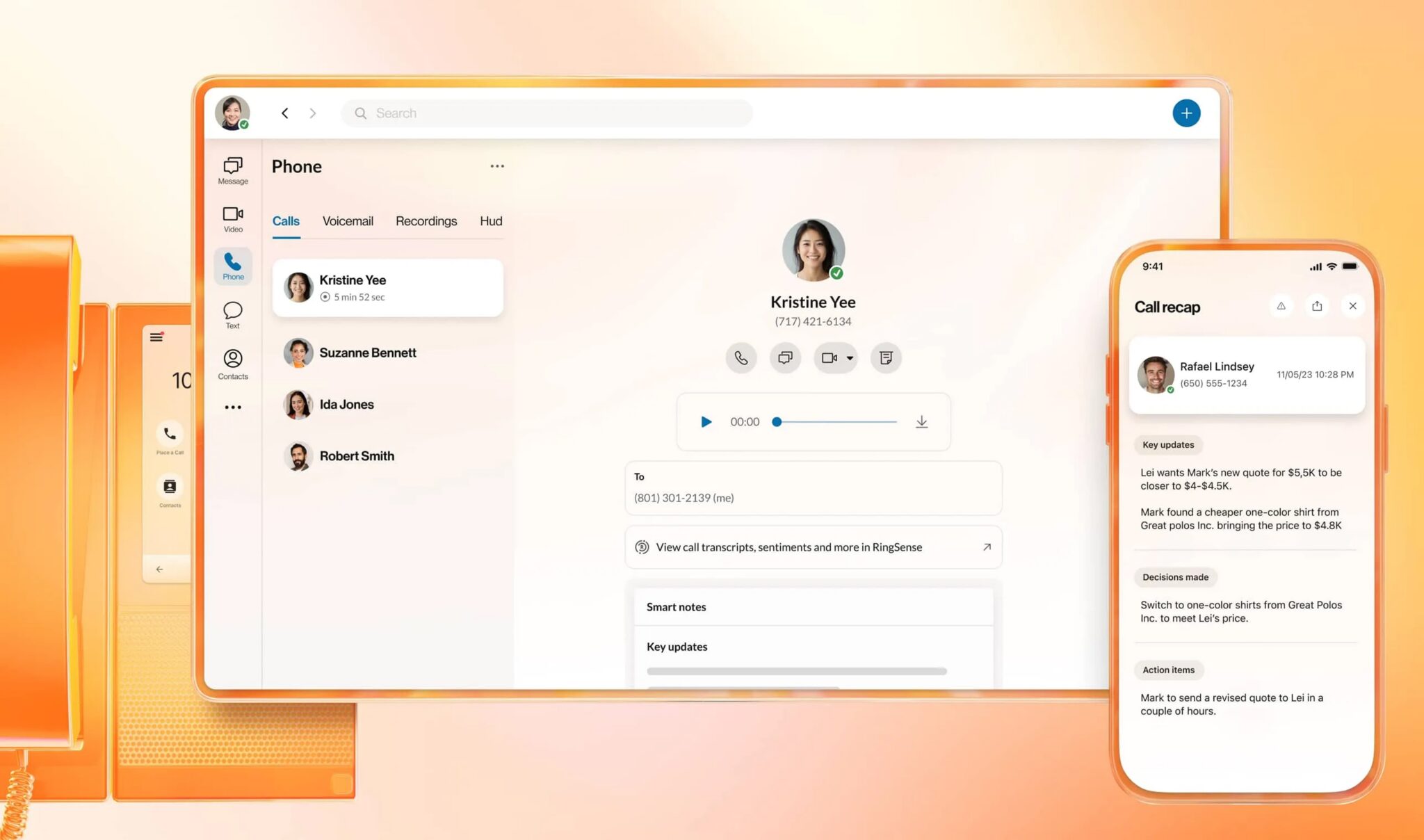
RingCentral RingEX is a unified communications as a service (UCaaS) platform that combines voice, video, messaging, and contact center on a single architecture. You can also opt for RingCentral’s contact center as a service (CCaaS) platform, RingCX, which integrates natively with RingEX on the same structure. This means your team can use a single app for voice, SMS, video, and messaging.
For enterprises transitioning from legacy private branch exchange (PBX) platforms, RingCentral assigns dedicated migration teams with documented deployment methodologies covering business number porting, legacy system sunset, and integration reconfiguration.
- Microsoft Teams integration: Embed RingEX calling inside Teams with no Teams Phone license required, making it ideal for enterprises already using Microsoft 365 apps. RingEX also integrates with 500+ other applications.
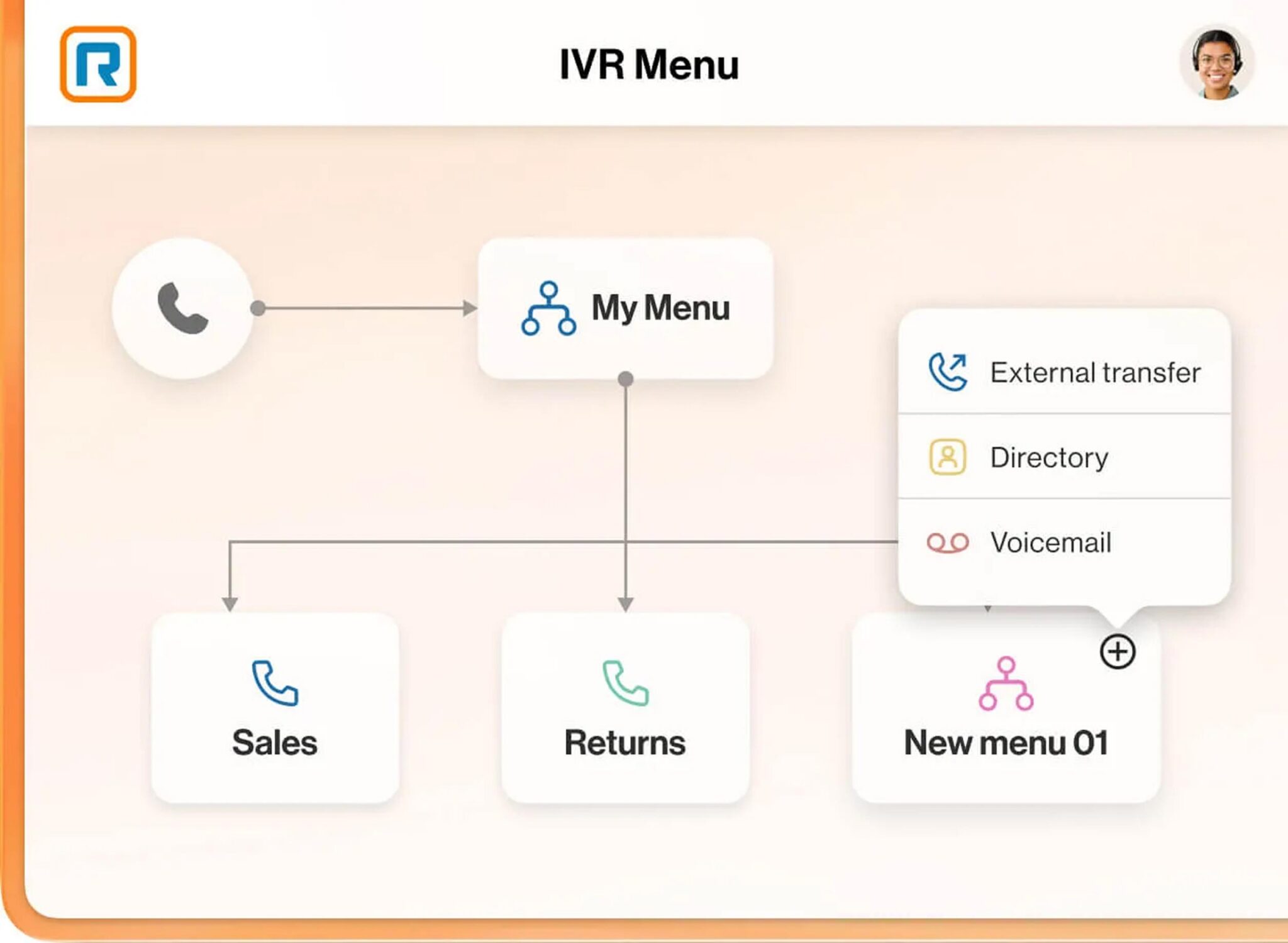
- Advanced routing: Features like interactive voice response (IVR), call queues, ring groups, call handling, and delegation help teams provide consistently positive customer experiences.

- AI-powered features: The native AI assists agents by creating call summaries and flagging action items, documenting call transcripts, and recapping messages.
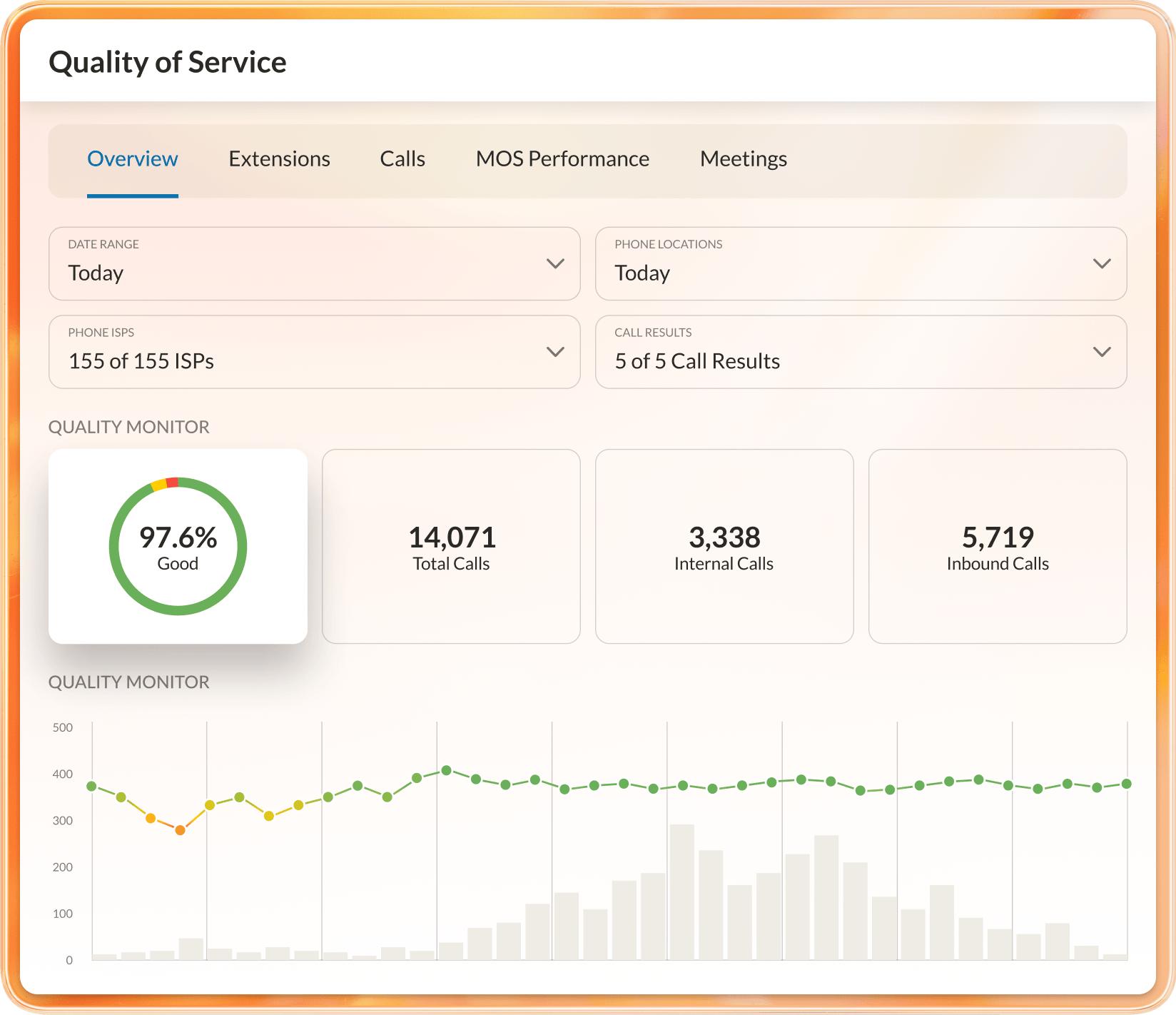
- Enterprise-level reporting: Gain insight with real-time queue reporting, as well as customizable dashboards that help you monitor usage statistics, as well as more contact center-focused metrics like queue member availability, service levels, and more.
- Built-in security and controls: RingEX is built around centralized administration, multi-site management, and strict user permissions, as well as end-to-end encryption for voice, video, and messaging, and security and privacy certifications such as the Health Insurance Portability and Accountability Act (HIPAA), General Data Protection Regulation (GDPR), and Payment Card Industry Data Security Standards (PCI DSS).
Estimate your RingCentral AI savings
See how AI-first communications reduce operational complexity and deliver measurable improvements across your enterprise.
2. Microsoft Teams Phone
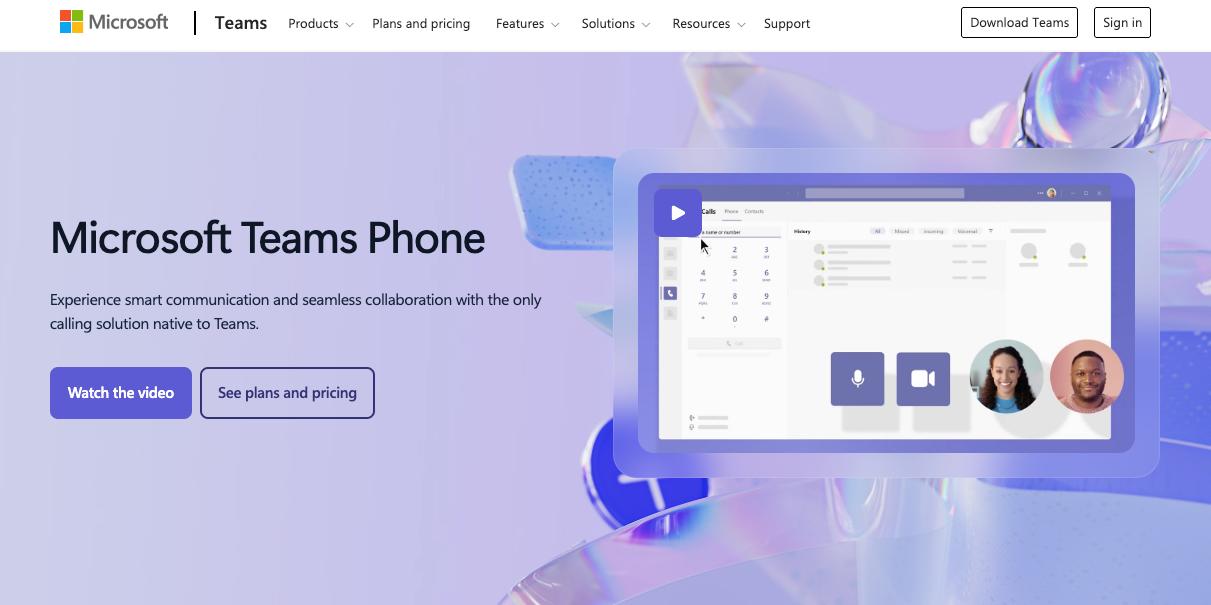
Teams Phone is the strongest fit for enterprises already standardized on Microsoft 365. It extends the M365 environment with voice, removing the need for a separate communications vendor.
Direct Routing and Operator Connect provide flexible public switched telephone network (PSTN) connectivity options, giving IT leaders architecture flexibility without forcing a single carrier relationship. Deep native integration with Outlook, SharePoint, and Teams channels supports license consolidation for organizations managing complex M365 deployments.
However, Teams Phone isn’t a native CCaaS offering. Contact center functionality requires third-party integrations or Azure-based extensions, which adds vendor complexity for organizations that need both UCaaS and CCaaS.
3. Zoom Phone
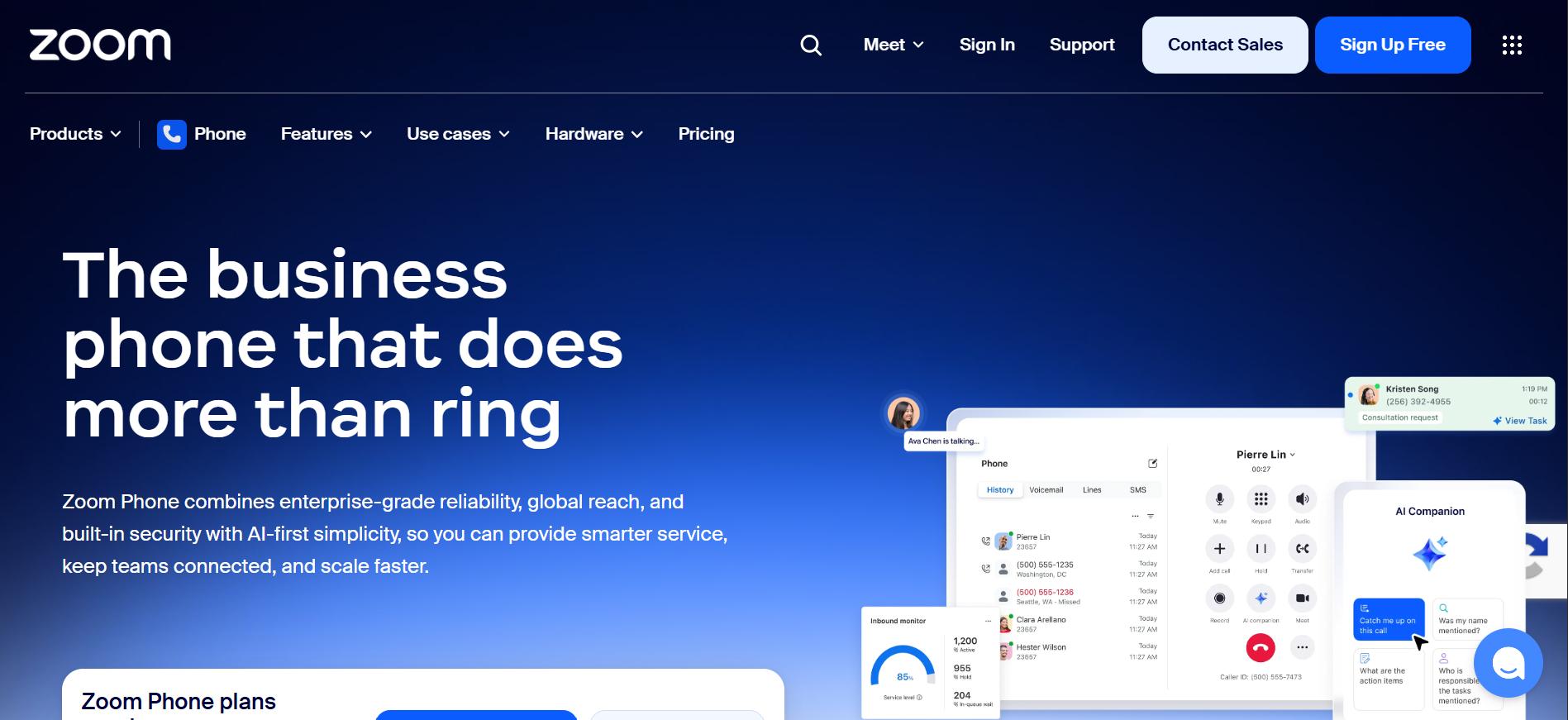
Zoom Phone is a natural fit for enterprises already deeply invested in Zoom for video. Core enterprise calling features include call recording, auto-attendant, call queues, and voicemail transcription. The platform also offers hot desking capabilities that allow employees to sign into any physical desk phone across multiple office locations, a practical feature for hybrid workforces and hot-desk environments.
A potential limitation for enterprises that need both UCaaS and CCaaS is that Zoom Phone is a separate product from Zoom Contact Center, which means you’ll need to pay for and manage both Zoom Phone and Contact Center.
4. Cisco Webex Calling
Webex Calling is built for enterprises with complex infrastructure requirements or existing Cisco investments. It offers broad international calling coverage and compliance certifications, making it a strong option for multinational enterprises in regulated industries. The Webex Suite bundles calling, meetings, messaging, and contact center, supporting consolidation for organizations already in the Cisco ecosystem.
AI Call Insights provides real-time transcription, sentiment analysis, and coaching summaries that improve agent performance across contact center operations.
Potential tradeoffs include a higher total cost of ownership versus cloud-native alternatives, not to mention the need for more technical resources or a channel partner to implement and maintain your Webex Calling environment.
5. Vonage Business Communications
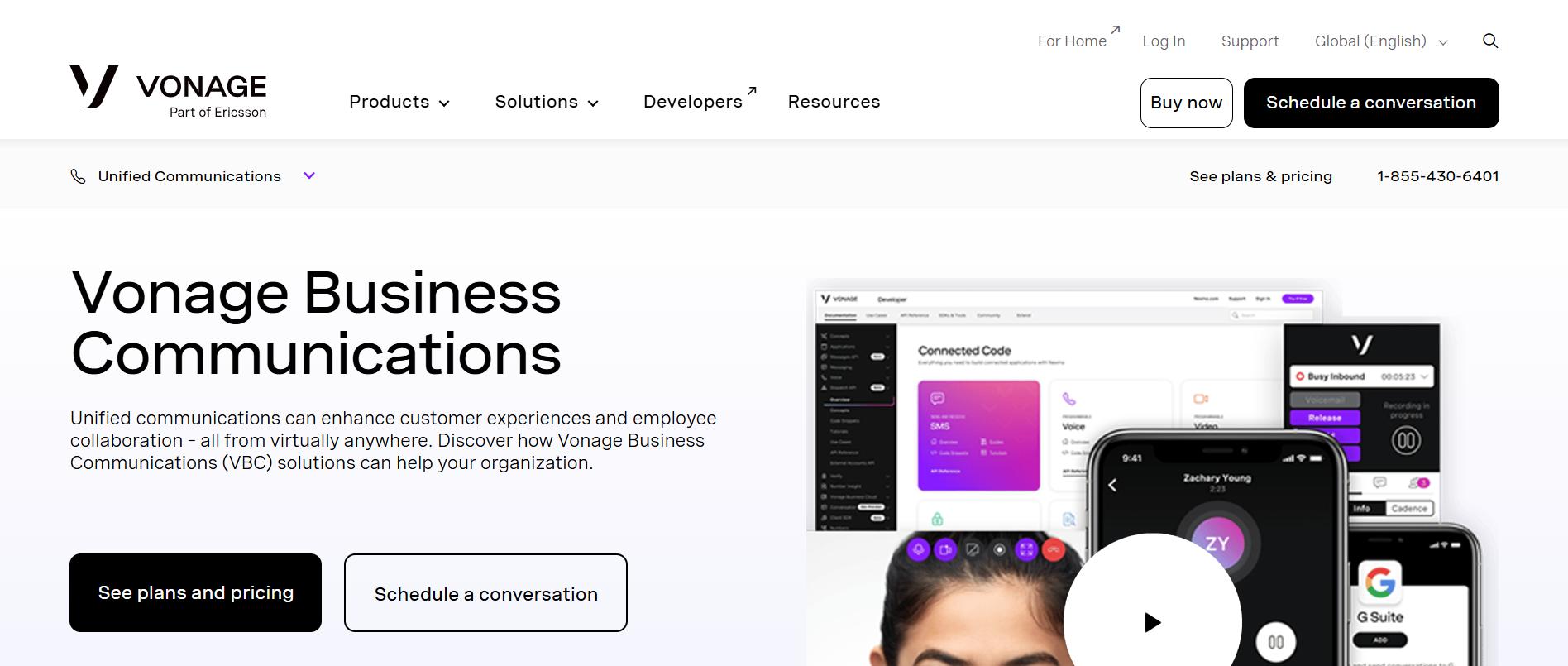
Vonage Business Communications, now part of Ericsson, is the strongest option for enterprises with developer teams building custom communication workflows. Its programmability through Vonage APIs (formerly Nexmo) covers SMS, voice, video, and verification with global reach. For teams that don’t need deep CCaaS functionality or embedded AI, Vonage delivers standard UCaaS capabilities.
However, Vonage’s UCaaS feature depth trails RingCentral, Cisco, and Microsoft. Its AI capabilities are basic compared to platforms with native AI layers, and advanced analytics require add-ons.
How to evaluate 8×8 alternatives for your organization
Enterprise communications decisions are infrastructure decisions. The criteria below matter more than any feature checklist or pricing table because the platform you choose shapes your licensing model, integration architecture, AI roadmap, and vendor dependency for the next three to five years.
Platform integration and API capabilities
The real question here isn’t how many integrations a platform offers, but how deeply those integrations work.
For CRM systems like Salesforce, HubSpot, and others, does the platform provide bidirectional sync, or just activity logging? For productivity suites like Microsoft 365 or Google Workspace, are integrations native or dependent on connectors?
API access is equally critical. Can your developers build custom workflows, automate processes, and extend functionality, or are you locked into predefined use cases?
For most enterprise IT environments, the goal is to reduce fragmentation. A communications platform that integrates deeply and consolidates tools reduces operational overhead and improves visibility across teams.
Scalability and enterprise-grade infrastructure
Enterprise-grade scalability requires business communications platforms to maintain performance, reliability, and manageability as your organization grows across geographies and use cases.
Questions to ask include:
- What’s the documented uptime SLA, and is it backed by carrier-grade redundancy?
- How does the platform handle multi-site deployments?
- Is there a global PSTN footprint, or will you negotiate with local carriers per region?
For enterprises in regulated industries like financial services or healthcare, uptime SLAs must be tied to documented disaster recovery commitments and geographic failover.
An AI roadmap is now part of the scalability equation. A platform that layers AI on top of existing infrastructure will hit performance ceilings faster than one where AI is embedded in the architecture from the start.
Security, compliance, and data governance
Contact center compliance certifications and security posture are different things, and enterprise buyers need both. Certifications like SOC 2 Type II, ISO 27001, HIPAA, and Federal Risk and Authorization Management Program (FedRAMP) for the public sector prove third-party validation. Security posture covers encryption standards, access controls, and breach notification SLAs.
Data residency requirements add another layer of complexity, as does Markets in Financial Instruments Directive (MiFID) II compliance for contact recording. For any organization handling payment data over voice, PCI DSS applies, and not all UCaaS platforms handle this natively.
Questions to ask when evaluating security and compliance capabilities include:
- Where is call data stored?
- Does the vendor support region-specific residency for EU or APAC deployments?
- Which compliance certifications are included in our tier, and which require an enterprise upgrade?
- What access controls and role-based permissions are available for admin and user management?
- How frequently do you undergo third-party security audits, and can we review the most recent reports?
Total cost of ownership and pricing transparency
Licensing is one component of TCO. The full model includes implementation and professional services, onboarding and training, ongoing support tier costs, integration development and maintenance, and hardware refresh. Over a three-year contract, those line items often exceed the licensing cost itself.
Ask every vendor the same questions:
- What’s included in the base tier?
- What requires an add-on?
- What triggers an uplift at renewal?
For organizations transitioning from on-premise PBX systems, it is essential to factor in the costs associated with phasing out legacy infrastructure in your total cost of ownership (TCO) model. These costs are high and frequently underestimated.
What to expect when migrating from 8×8
Migration complexity in enterprise UCaaS transitions is driven primarily by legacy infrastructure and organizational scale, not by platform choice. The platform you select matters less than how well you plan the transition from what you’re leaving behind.
Here’s what to plan for:
- Number porting timelines: Number porting typically takes up to 14 days for standard blocks. Large enterprise number blocks can take longer, particularly when porting from multiple carriers or regions. Plan this timeline before you set a go-live date, since it’s the most common source of implementation delays.
- Legacy system sunset: If you’re migrating from a hybrid environment combining on-premise PBX and cloud systems, decommissioning legacy systems requires careful coordination to avoid service disruption.
- User onboarding and change management: Adoption is often the biggest challenge. Training, documentation, and phased rollouts are critical for minimizing disruption across teams. So, build training into the migration plan from the start.
- Integration reconfiguration: CRM integrations, workflows, and automation need to be rebuilt or adapted in the new platform. This is often more complex than the telephony migration itself.
What often varies by vendor is how much hands-on support you receive during the process. Dedicated migration teams, documented deployment methodologies, and a named point of contact during the first 90 days make a measurable difference for enterprise deployments spanning multiple sites and thousands of users.
Find the right 8×8 alternative for your organization
The right 8×8 alternative isn’t the one with the lowest per-user price or the longest feature list. It’s the one that eliminates the most operational friction for your organization’s specific structure, technology stack, and scale.
The underlying architectural decision drives everything else: do you want a platform that extends an ecosystem you’ve already committed to, or a purpose-built communications platform that unifies UCaaS and CCaaS from a single vendor?
If you need unified communications and contact center capabilities on the same platform with embedded AI rather than bolted-on partnerships, that choice then determines your licensing model, integration architecture, AI roadmap, and long-term vendor dependency.
For organizations that need a unified platform with embedded AI and documented migration support, explore RingEX and our flexible plans to see how RingCentral’s architecture can map to your specific requirements.
FAQs about 8×8 alternatives
What are the main reasons enterprises switch from 8×8?
The most commonly cited reasons are pricing opacity (enterprise tiers require a sales call, with documented billing disputes on sites like Trustpilot and G2), limited native AI integration, and inconsistent enterprise support. Early termination fees are also a documented friction point for organizations that discover the platform fit isn’t right mid-contract.
How long does it take to migrate from 8×8 to a new UCaaS platform?
Standard number porting typically takes up to 14 days. Large enterprise number blocks, multi-carrier ports, or international numbers can extend that timeline significantly.
Full implementation, including legacy PBX sunset, integration reconfiguration, and user onboarding, typically runs between 30 to 90 days for mid-market deployments—longer for complex enterprise environments.
What is the difference between UCaaS and CCaaS, and why does it matter?
Unified communications as a service (UCaaS) covers internal and external communications, like voice, video, messaging, and collaboration tools for your entire organization. Contact center as a service (CCaaS) covers customer-facing operations, such as inbound and outbound call routing, agent management, omnichannel engagement, and CX analytics.
The distinction matters because some platforms offer both on a single architecture, while others require separate products, contracts, and management consoles, adding IT overhead and licensing complexity at scale.
How does RingCentral compare to Microsoft Teams Phone for enterprise?
Teams Phone is a strong choice if you’re already standardized on Microsoft 365 and want to consolidate voice into your existing licensing.
RingCentral is the stronger fit for enterprises that need unified communications and contact center features on a single platform with embedded AI. Teams Phone requires third-party integrations or Azure extensions for contact center functionality. RingCentral includes it in the same architecture.
What should we include in an 8×8 alternative evaluation process?
Evaluate four criteria:
- Integration depth: Bidirectional customer relationship management (CRM) platform sync, native M365/Google Workspace compatibility, and open API access
- Scalability: Documented uptime service level agreements (SLAs), multi-site management, and global Public Switched Telephone Network (PSTN) footprint
- Security and compliance: SOC 2 Type II, ISO 27001, HIPAA, FedRAMP, and data residency options
- Total cost of ownership: Licensing plus implementation, onboarding, support tier, integration maintenance, and hardware refresh over a three-year horizon
Ask every vendor what’s included in the base tier and what triggers an uplift at renewal.
Updated May 06, 2026