AI Communications




Give every human agent a partner that handles the busywork, so your team spends its time on the conversations that need a person.
Your contact center is short-staffed, call volume keeps climbing, and customers expect faster answers than they did last year. Supervisors can’t listen to every call. Agents lose real time to typing up notes after each one. And the gap between what your team can actually review and what’s happening on the floor keeps growing. That gap is where most quality problems start.
This article breaks down what an AI call center agent actually does, how it differs from full call automation, and what to check before you bring one into a team that already has its own tools and habits. You’ll see where AI creates the most measurable value, what a typical agent workflow looks like once AI is added, and how to evaluate vendors without getting pulled in by automation claims alone.
Key takeaways
- AI call center agents assist human agents; they’re not a direct replacement.
- Manual quality assurance (QA) reviews less than 5% of interactions, which is one gap AI can help close.
- The biggest wins pair AI support with real-time supervisor visibility, not automation alone.
- Evaluate vendors on integration depth and reporting, not automation claims alone.
- RingCX builds AI into the platform, not as an add-on layer.
What “AI call center agent” actually means
Most vendors use “AI call center agent” to describe two different things, and mixing them up leads to the wrong rollout plan.
One type assists a human agent during a live interaction. It summarizes the call, surfaces the customer’s history, suggests next steps, or drafts a reply for the agent to send. The agent stays in control and makes the final call. The other type automates an entire interaction end to end, handling routine requests without a person touching them at all.
Currently, most deployments fall into the first category. Full automation still works best for narrow, repetitive tasks like password resets, order status checks, and appointment scheduling. Anything with nuance, emotion, or a policy exception still routes to a person, and that person needs support the automated layer isn’t built to give.
This distinction matters because visibility, not staffing alone, is the bigger problem for most contact centers. According to McKinsey, the manual assessment method most teams still use for quality assurance is often limited to less than 5% of total conversations. That means much of what happens on your team’s calls may never get reviewed.
An AI agent that assists rather than replaces closes that gap first. It can review interactions beyond a small sample, so coaching and quality scoring don’t depend only on the handful of calls a supervisor happens to pull. Once you understand where recurring issues show up, you can make better decisions about which interactions are ready for automation.
Where AI call center agents create the most value
The clearest return on an AI call center agent can show up before you automate a single interaction: in what happens after the call ends.
Agents lose real time to after-call work: typing notes, updating the customer relationship management (CRM) system, and logging next steps. An AI agent that automatically generates that summary hands agents that time back right away. It also gives supervisors a searchable record of every interaction instead of the handful they happened to catch live, a shift that’s central to most automated customer service strategies today.
The second source of value is coaching. When AI reviews 100% of interactions instead of a sampled subset, supervisors see patterns they’d otherwise miss.
McKinsey’s research also found that generative AI has the potential to yield more than 50% savings in QA costs, a 25–30% increase in agent efficiency, and a 5–10% improvement in customer satisfaction. For contact center leaders, the takeaway is clear: AI can give supervisors broader visibility without replacing their judgment.
What this looks like day to day for an agent
Picture an agent taking an inbound call from a customer who’s called twice before. Before the call even connects, the AI agent surfaces that history: previous tickets, the product involved, the outcome of the last conversation. The agent starts the call already knowing the context instead of asking the customer to repeat it.
During the call, the AI listens in the background and can suggest a next step or a relevant knowledge article if the agent gets stuck. After the call ends, it drafts a summary and logs the interaction automatically, so the agent moves to the next call without stopping to type notes.
In a well-integrated setup, the agent doesn’t need to open a separate tool or interrupt the flow of the conversation. That’s the difference between AI that supports a workflow and AI that adds a step to it.
What to evaluate before adding an AI call center agent
Many vendors claim their AI call center agent boosts efficiency. The claim that actually matters is whether it works inside the tools your agents already use. These five checks separate a genuine fit from a feature that looks good in a demo but doesn’t work in daily use.
Integration with the existing workspace
The AI needs to live inside the same workspace agents use to handle the interaction, not next to it. If agents have to open a separate browser tab or a different application to see AI suggestions, they may use it inconsistently, and you can lose the coverage that makes an AI contact center strategy work.
Quality of real-time guidance
An AI agent can sit inside the right workspace and still fall short if what it surfaces isn’t useful. Look past whether it responds and check what it responds with: is it pulling the right knowledge for the specific interaction, or offering generic prompts that any agent would’ve figured out on their own?
Ask vendors how the AI ranks or prioritizes suggestions when multiple next steps are possible, since that’s where the real difference between a genuine assist tool and a checkbox feature shows up.
RingCX’s AVA Agent Assist is one example: it surfaces relevant knowledge and next-step suggestions during the interaction itself, so agents get guidance in the moment rather than a static script.
Visibility for supervisors, not just agents
Supervisors need the same coverage as agents, not a sampled view. An AI agent that only helps the person on the call misses half the value. Look for dashboards that show trends across every interaction and coaching insights supervisors can act on the same day, instead of during a monthly review cycle.
RingCX’s AI Quality Management is one example of this in practice: it scores 100% of interactions for QA and compliance instead of relying on manual sampling, giving supervisors total visibility into agent performance.
Scope: Assistive versus automated
Get clear on scope before you commit to a rollout plan. An AI agent built to assist a human through an interaction rolls out differently than one built to automate the interaction outright. Assistive tools need agent training and change management. Automation needs defined guardrails for what it’s allowed to handle without a human and clear escalation paths for everything else.
Supervisor dashboard depth
Coverage tells you what the dashboard sees, while depth tells you what a supervisor can actually do with it. Check whether the analytics let a supervisor drill into a specific team, channel, or issue type, or whether it’s a single aggregate score with nowhere to go from there. A vendor who can only show a top-line number probably hasn’t built the analytics layer out past the demo.
How RingCX supports human agents
Adding AI shouldn’t mean asking your team to learn a new tool on top of the one they already use every day. That’s why a lot of AI rollouts stall: agents revert to old habits the moment the new interface adds friction instead of removing it.
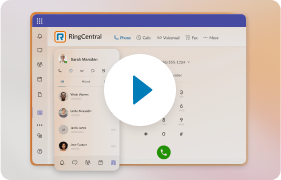
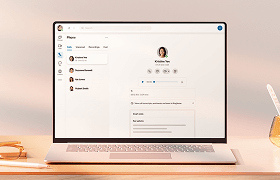
RingCX is built AI-first, so agent- and supervisor-facing AI live inside the same platform agents already use to handle voice, chat, text messaging, email, and social interactions. AVA Agent Assist gives agents real-time guidance during the interaction itself, including relevant knowledge, suggested next steps, and a summary generated after the call ends instead of typed out by hand.
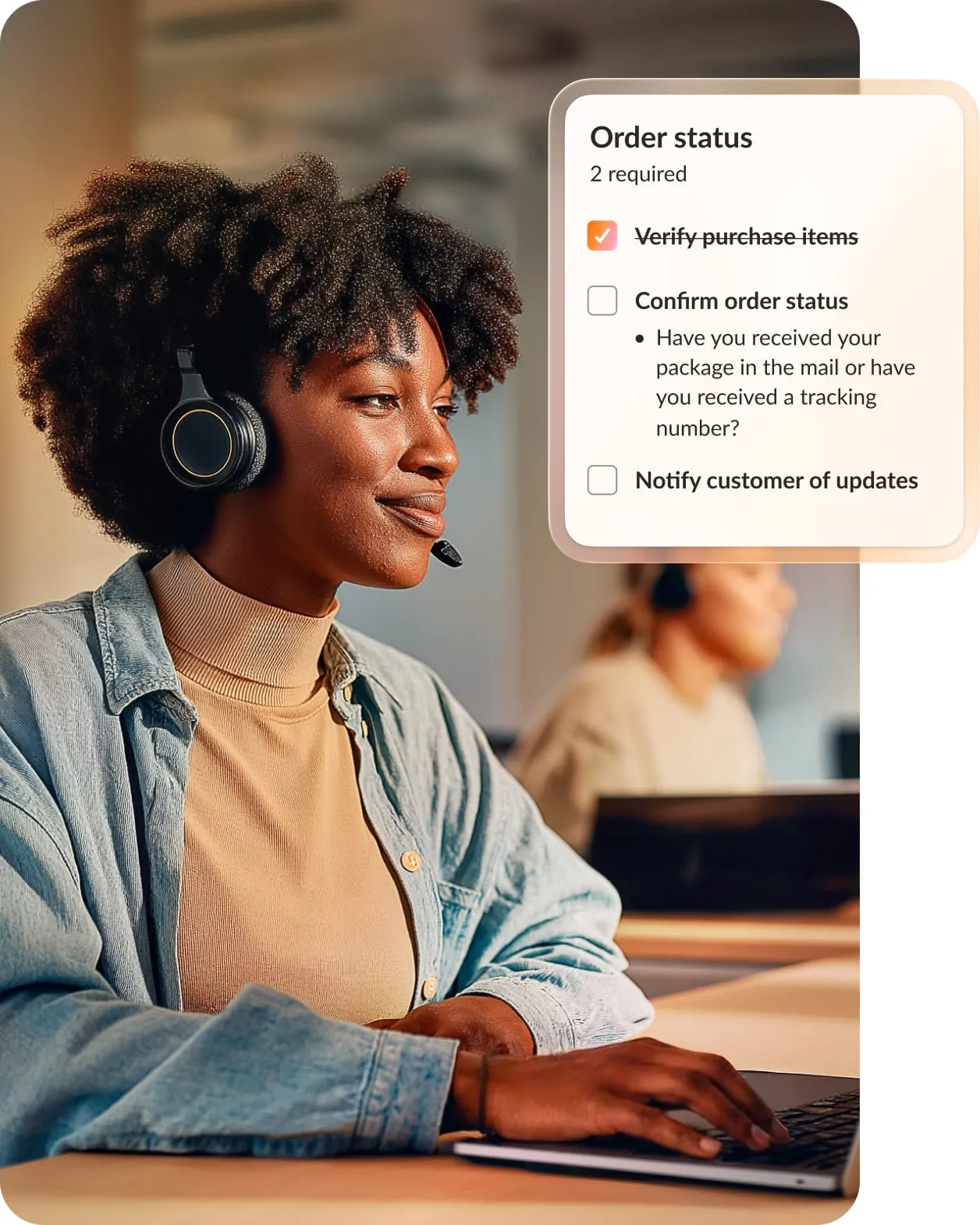
AVA Supervisor Assist gives managers broader visibility than manual sampling can provide, with AI-driven coaching insights that surface trends across conversations.
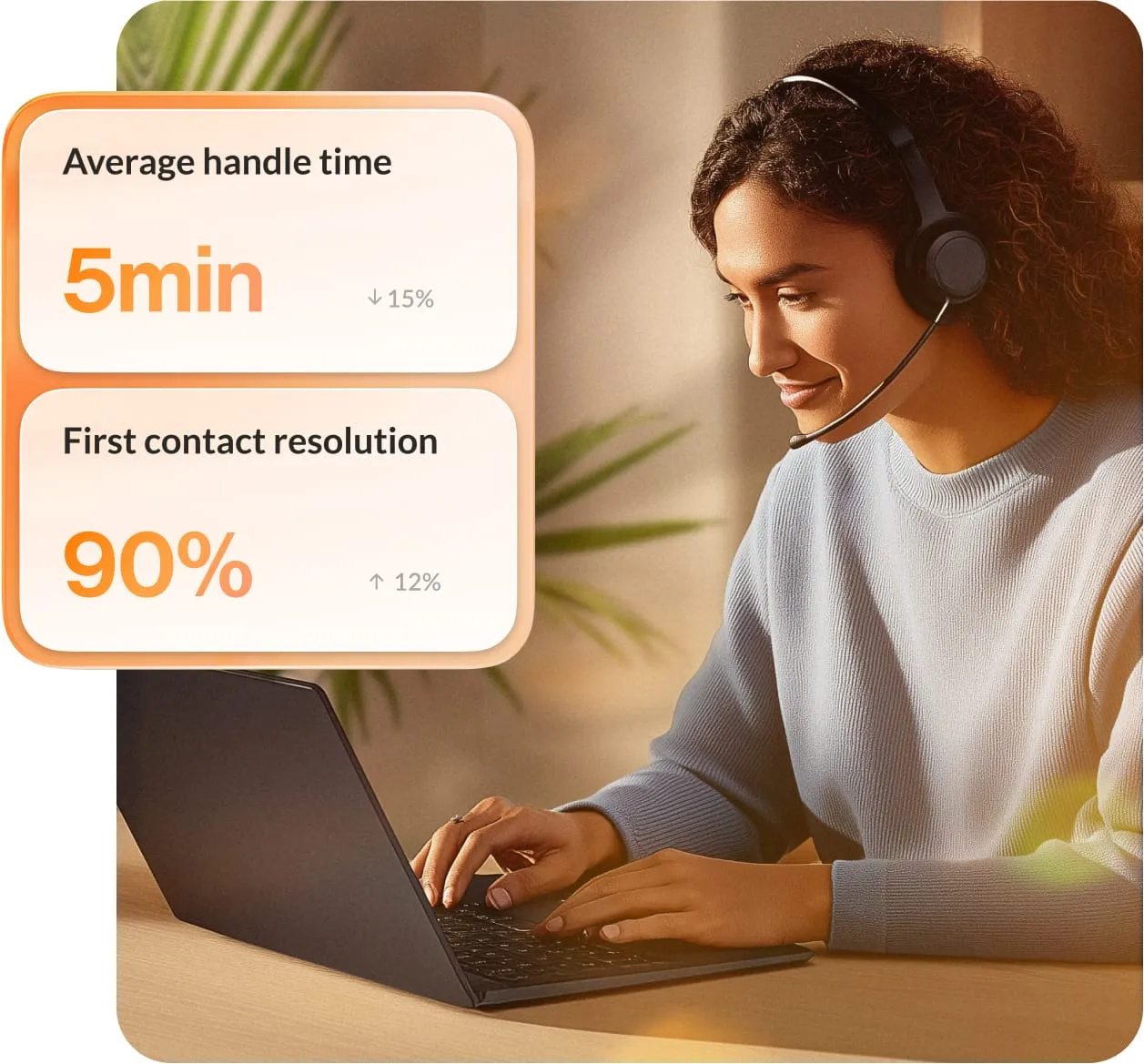
Because the AI is part of the platform’s architecture rather than layered on top, deployment can reduce the need for agents to change how they work. They keep using the same workspace while the AI gives them more to work with inside it.
Choose AI support that fits how your team already works
The best AI call center agent implementations extend what your agents can already do instead of replacing their judgment. They close the visibility gap manual QA leaves behind, cut the after-call work eating into an agent’s day, and give supervisors coaching data from every interaction instead of a handful.
Automation still has its place for narrow, repetitive requests. But your human agents are still your biggest lever for calls that need judgment, empathy, or exception handling, and that’s where AI support can pay off fastest.
See how RingCX’s AI-powered customer experience tools can help agent assist and supervisor visibility work together in your existing contact center.
FAQs about AI call center agents
What is an AI call center agent?
An AI call center agent is software that assists or automates part of a customer interaction, from summarizing calls to routing requests to answering routine questions directly. Most current deployments assist a human agent rather than replace the conversation entirely. The agent still makes judgment calls while the AI handles the administrative tasks around the interaction.
Will an AI call center agent replace human agents?
Not for interactions that involve nuance, emotion, or a policy exception. Full automation works well for narrow, repetitive tasks like password resets or appointment scheduling, but complex requests still need a person. The real measure of a good AI call center agent is how much more effective it makes the agents handling complex customer conversations.
How is an AI call center agent different from a chatbot?
A chatbot typically interacts directly with a customer, answering questions or routing a request without a human involved. An assistive AI call center agent supports the person handling the interaction instead of talking directly to the customer. It surfaces information, drafts summaries, and suggests next steps in real time, and the two often work together in the same contact center.
What does it take to roll out an AI call center agent?
Start with integration: the AI needs to live inside the tools your agents already use, not a separate window they have to check. Give supervisors the same visibility agents get, so coaching is based on full interaction coverage instead of a sample. Then decide upfront whether the tool is scoped to assist agents or automate interactions outright, since each path needs its own training and rollout plan.
Originally published Aug 06, 2026